The one thing that is making artificial intelligence more effective these days is its accessibility to everyone. Now, the artificial intelligence concept is not only for the experts or data scientists, but it can also be used by someone with no knowledge of tech and coding. The thanks go to all the no-coding-needed AI platforms. Now, even after you create your own model, the main thing is training it so it can work for you for a longer time. Here, we are going to see how to train your AI model, so machine learning for non-techies can be a lot easier.
Understanding the AI Model
An AI model is a type of computer program that takes the help of data to do specific tasks and to make decisions for its owner. The tasks can be generating the content or recognising the image. Anyone can easily build a custom AI model, even if they don’t have any technical knowledge, and to make things better for them, this guide is available with a Step-by-step AI tutorial.
Step 1: Understand what Train Your AI model Means
Train your AI model by teaching it how to recognise the patterns, or something else, according to what your aim is in creating it. For example, if you show the 100s of animal pictures to your model, the model will learn how to differentiate between different animals. This is the initial step of the Step-by-step AI tutorial for building the custom model, because here you fix your aim and understand what you are going to do next.
Step 2: Choose the right No Coding platform:
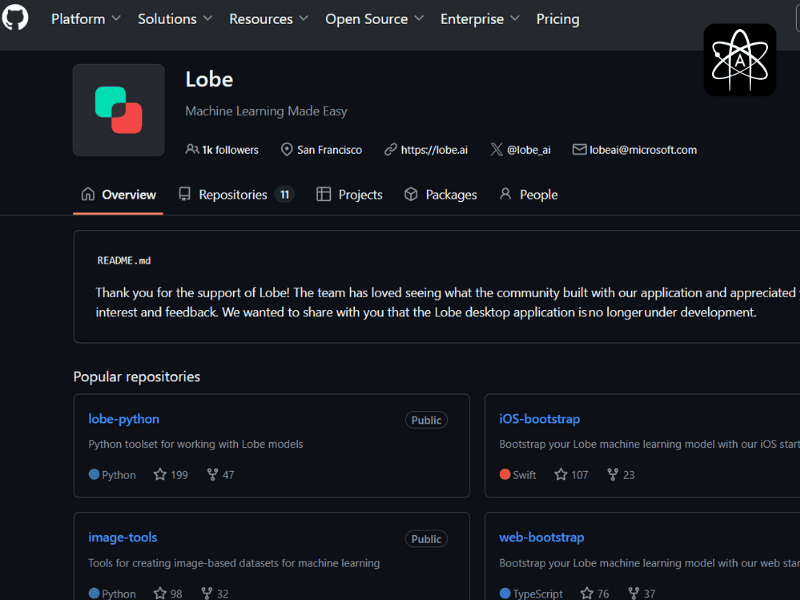
We are here discussing the AI for non-techies, so the platform should also be something that can help in build a custom AI model for those with no or little knowledge of tech. Here are some well-known platforms that you can choose from:
- Lobe.ai: It’s by Microsoft and has a simple drag-and-drop feature.
- DataRobot: It’s a slightly advanced tool that build a custom AI model for business owners so they can create or train the AI model with no coding.
- Teachable Machine: It’s perfect to train your AI model as a beginner for picture and sound recognition training.
Step 3: Organise your data:
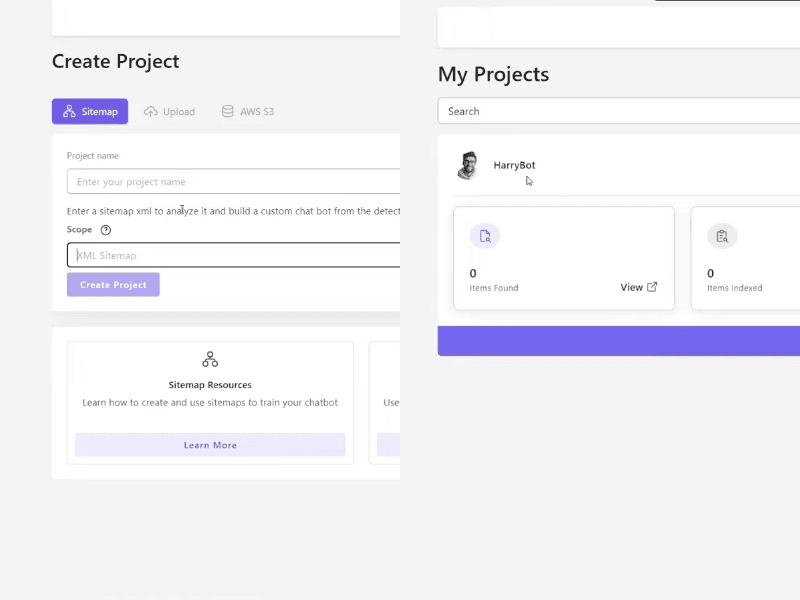
Now you know your goal for Build a custom AI model and the goal of training, like for image creation, analysing the text, or recognising the voice. It’s time to organise your data as the first step of the Step-by-step AI tutorial and collect the different images, sounds, or text examples that are clear with no errors. You can use websites like Kaggle to get categorised datasets.
Step 4: Label Your Data
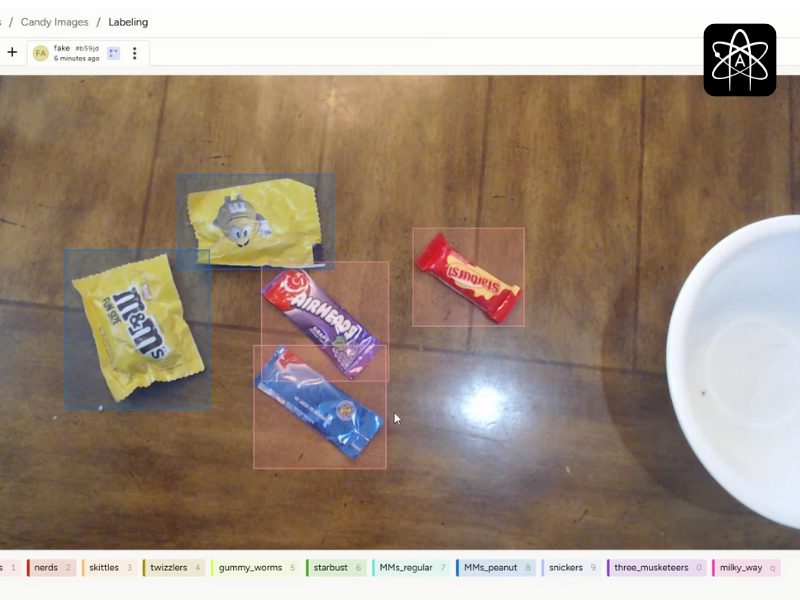
Now, to train your AI model, you have to label each thing so the AI can understand in what category specific things come. For example, if you added the picture of birds, you can call them the flying ones or simply the birds. If you added the fruit pictures, name them individually, like “apple” in the apple picture, if you want a deep analysis.
Step 5: Train your AI model
Now here comes the important part of the Step-by-step AI tutorial, the part where the actual training starts. When you click on “train” on whatever platform you chose, the mathematical algorithm starts finding the patterns in your data. This whole process can take a few minutes, depending on your dataset size and the complexity of your task.
Step 6: Improve the model:
After you train your AI model, it’s time to test it so it can work for the long term. Most of the time, the models work perfectly, but occasionally they also show minor errors. If it’s performing poorly, add more diverse examples, adjust the parameter, and remove the data that is incorrect or confusing. Always remember that AI likes humans more. The more you make things clear for them with better examples, the better they will understand and work.
Common Mistakes to Avoid When Train your AI Model
Here are a few things you need to avoid while Train your AI model so you don’t need to fix it later:-
Too little data: Less data is not enough; you are training your AI, so make sure you are adding all the necessary details with the examples.
Unbalanced classes: Your model can become biased if you put too much information about one thing and less information about another. Make sure that you are adding an equal amount of information in each label.
Final Thought:
The AI for non-techies is very easy now; they can design their own chatbot and model with just a few steps. Train your AI model in a proper manner, like we discussed here, so your model is going to work perfectly for you for the long term. It’s a time-consuming process at first, but it will save the extra thinking and time in the future.