
The word content creation is an umbrella term that includes a lot of parts, which include content writing, video creation, copywriting, and idea creation or post creation. Now, before AI, this content creation workflow was managed, and creativity depended only on people’s minds, but the AI content creation has changed the whole game now. It will not take the place of the human mind, but will definitely help in doing the same things in a better way. Now, if you also want to know the right step-by-step AI content guide, you are in the right place, and we are going to do it exactly as it needs to be explained.
Step 1: Understand your AI content creation needs:
The first and initial step is understanding why you need the help of AI content creation and in which area you need it. Understand what content creation is with the help of AI and how you can use it to make your work better without relying on it completely. You can do the automated content creation in every sector, but if you select a specific sector, like video editing, you want to use it first, so things will become clearer.
Step 2: Choose the AI Tools
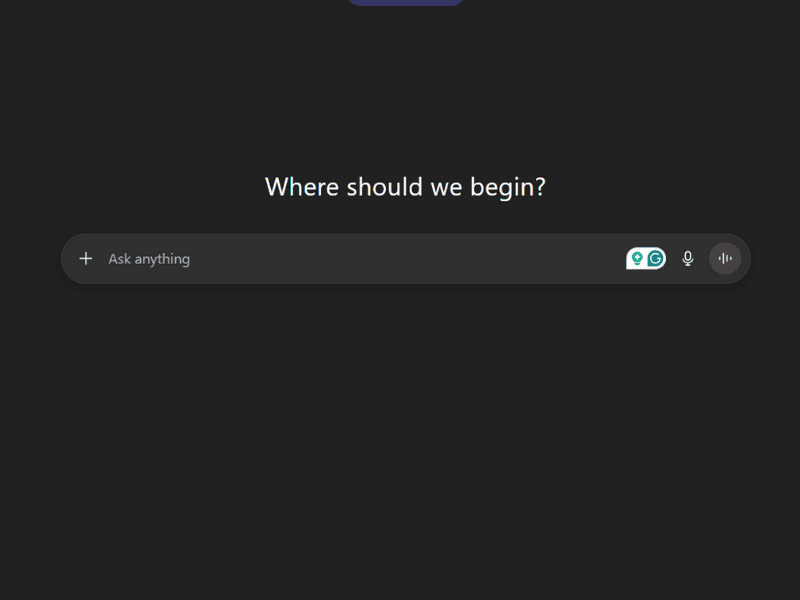
Now, there are many AI tools available that can help you in AI content creation, but you can’t go for each one; it will only end up making you more confused. So, go for something that best matches your creation goals. Here are some examples:-
- ChatGPT: It’s best for almost everything, but mainly for ideas or conversational writing.
- Canva Magic Write: Good for quick post creation.
- Writesonic: Good for ad copy and website content.
- Jasper AI: Good for storytelling and marketing content.
- GrammarlyGo: Edits the AI-generated texts and enhances them.
- Google Gemini: It’s something very similar to ChatGPT, but here is a pro tip: it will give you much better results sometimes and better picture creation.
Step 3: Input the Quality Prompts
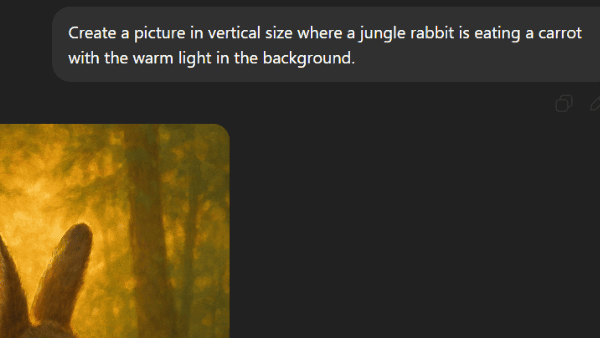
Automated content creation with AI works best when it’s rightly guided and created by giving a detailed prompt. Always ensure that whatever you want to create, you are adding every single detail related to it and in a clear format.
For example, “Create a picture in vertical size where a jungle rabbit is eating a carrot with the warm light in the background.”
Step 4: Generate the content
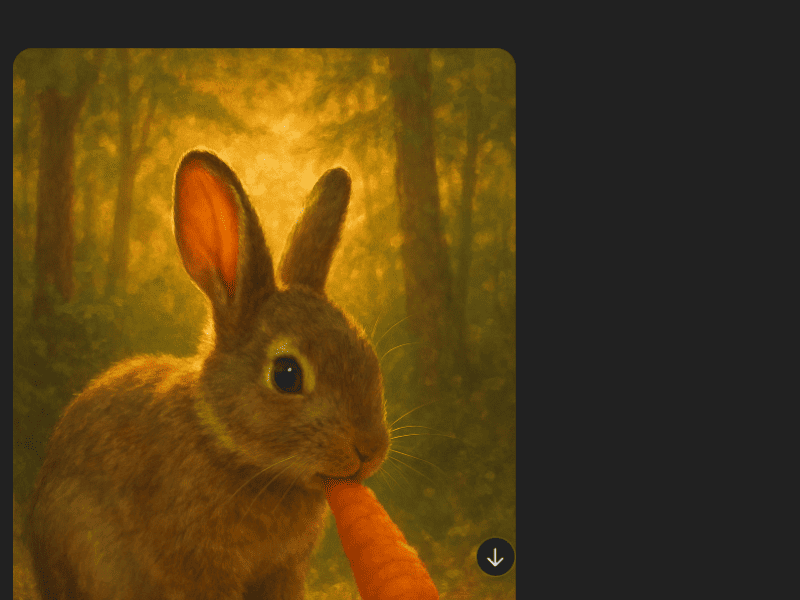
Now, if your AI content creation is done and your content is generated, it’s time to review it. You can’t just create anything with AI and then instantly post it somewhere. You should review it to see that there are no minor errors and it’s exactly like you wanted. For example, if you think you want to add something to your picture, which is created by AI, just command it like “Add the tiger in the picture too,” so the AI will add it. Make sure that your content looks truthful and pretty authentic when you approve it after all the improvements to manage your content creation workflow with AI in the right manner.
Step 5: Publish and track performance
Now this is the last step of the step-by-step AI content guide. Here you will finally publish your creation. Now, remember that you can add your human touch to it to make it look like you made it without taking the help of any AI content creation. Track the performance and see if there are any improvements you can make in the future to boost your content and make the creation better.
Wrapping up AI content creation
The concept of automated content creation is not about replacing humans, but it’s about helping humans explore their creative side with the use of AI. AI content creation also saves a lot of time, which can be invested in other projects, and gives a completely new view of creating something unique. If someone knows how to use it the right way, like we provided the guide for it, it can be a complete game-changer for creators.